Viewing Payment History and Payment Receipt
In this article we will learn about viewing your Payment History and Payment Receipt for the balance you added to the Metered account.
Viewing Payment History.
Screenshots below show the new dashboard. If you use the classic dashboard, pick the Classic dashboard tab — your choice is remembered on every page. You can switch at any time: Old dashboard in the header takes you back to the classic dashboard, and dashboard.metered.ca/v2 opens the new one. What changed in the new dashboard →
- New dashboard
- Classic dashboard
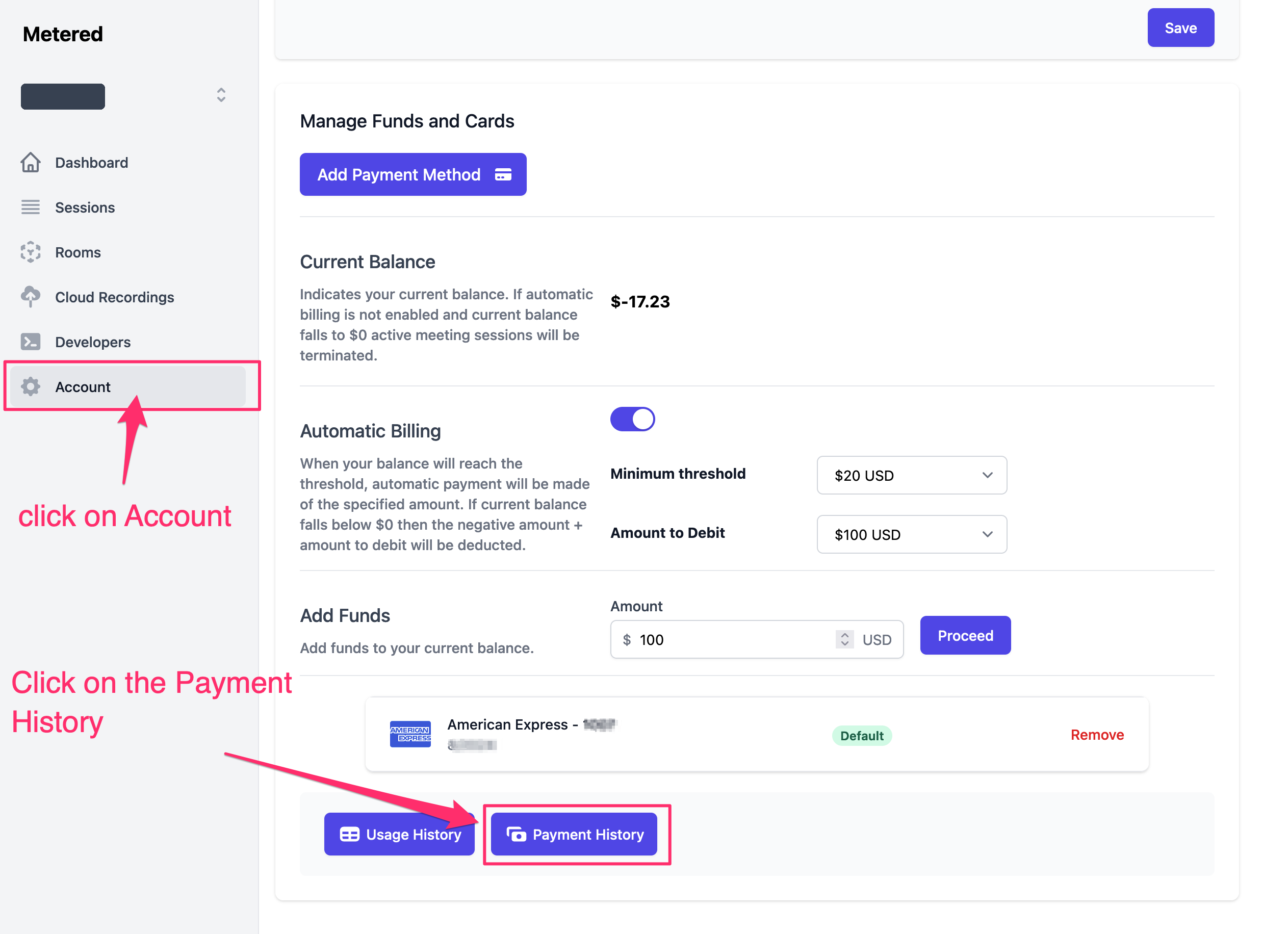
Go to Account → Billing and click Payment History at the bottom of the tab.
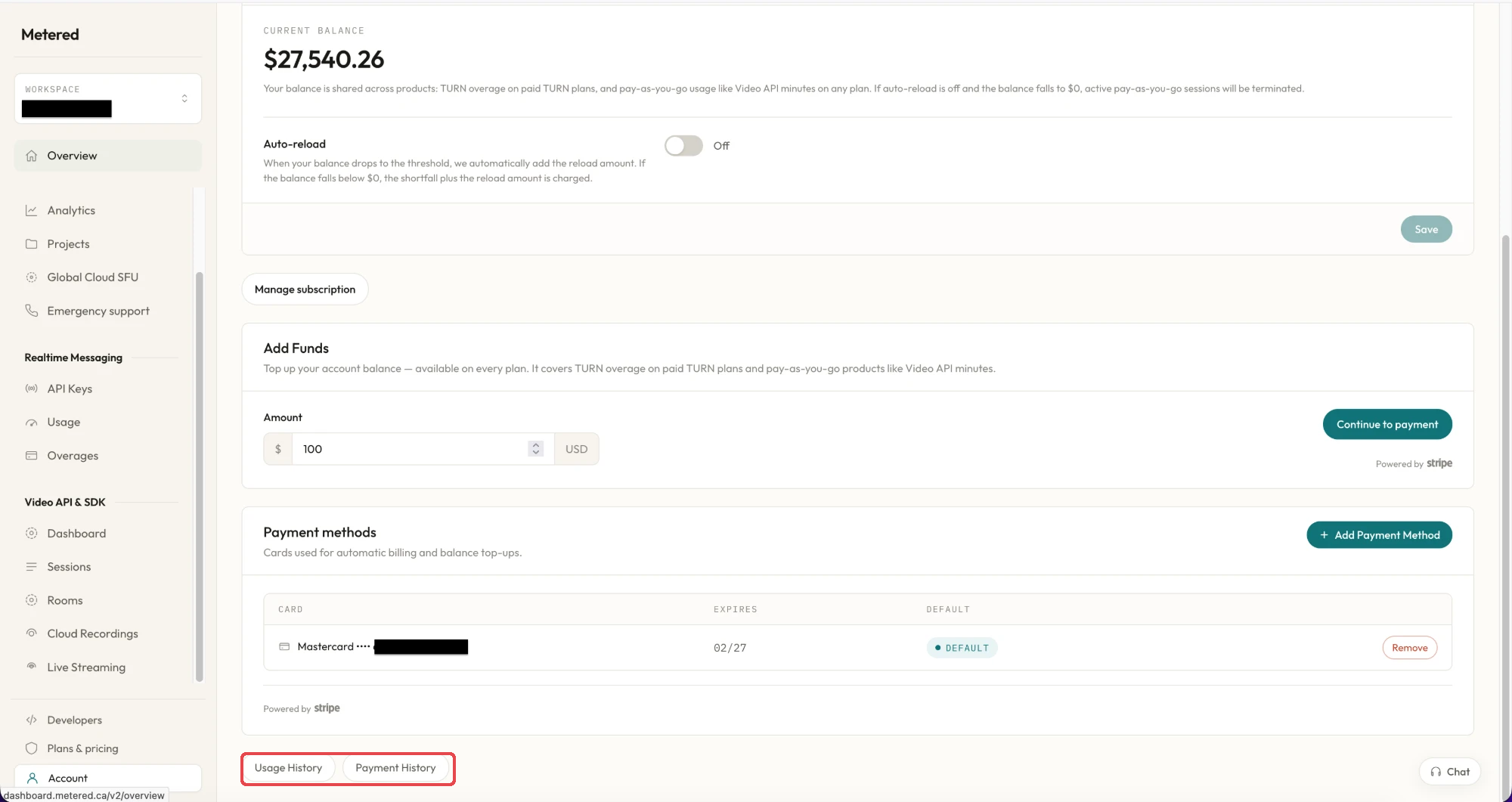
TO View your Payment History and Payment Receipt go to Dashboard -> Account-> scroll down to Manage funds and cards
Click on the Payment history and Payment Receipt button as show in the image below, it will take you to the payment history and Payment Receipt page
Payment History and Payment Receipt Page
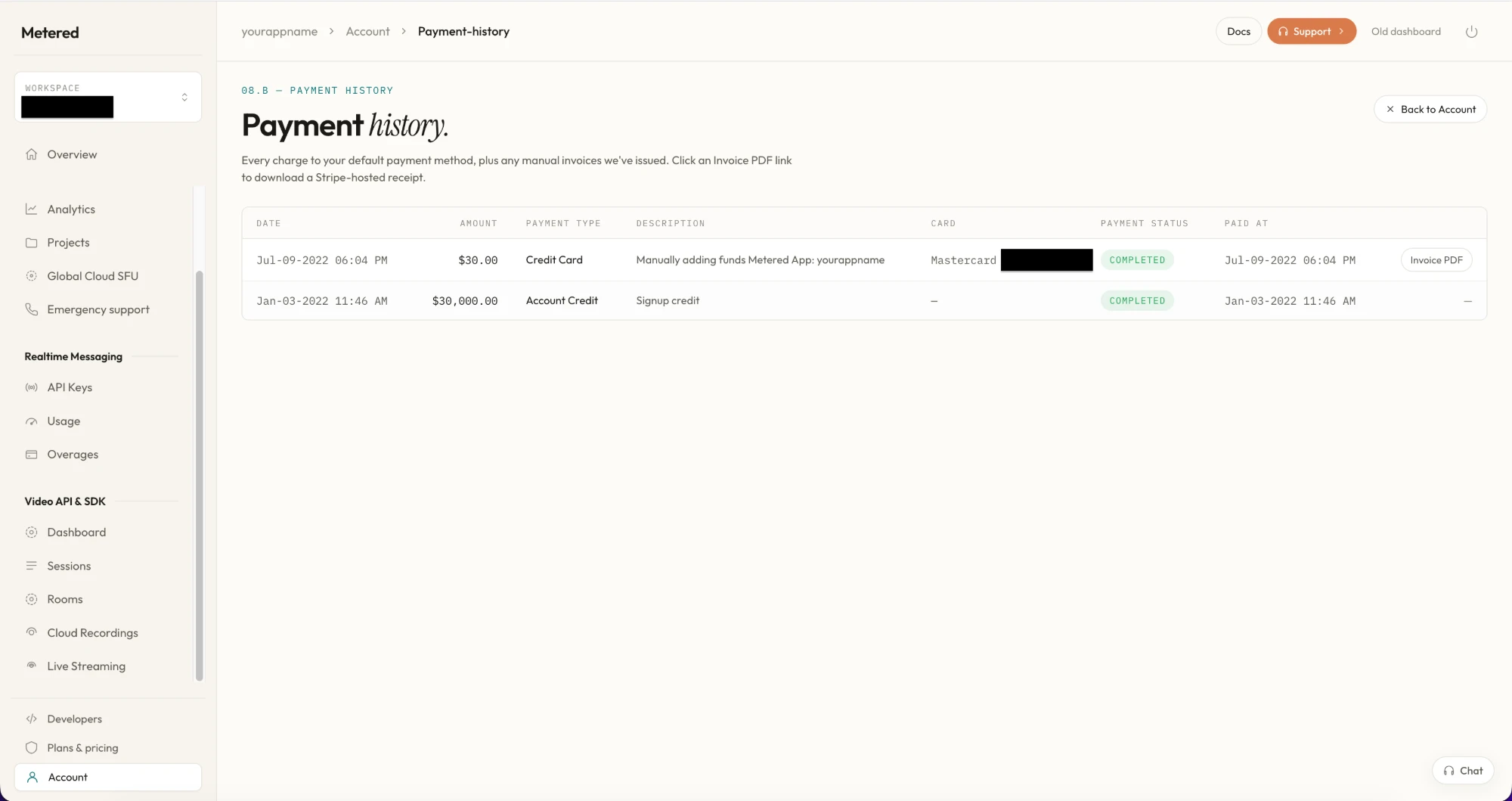
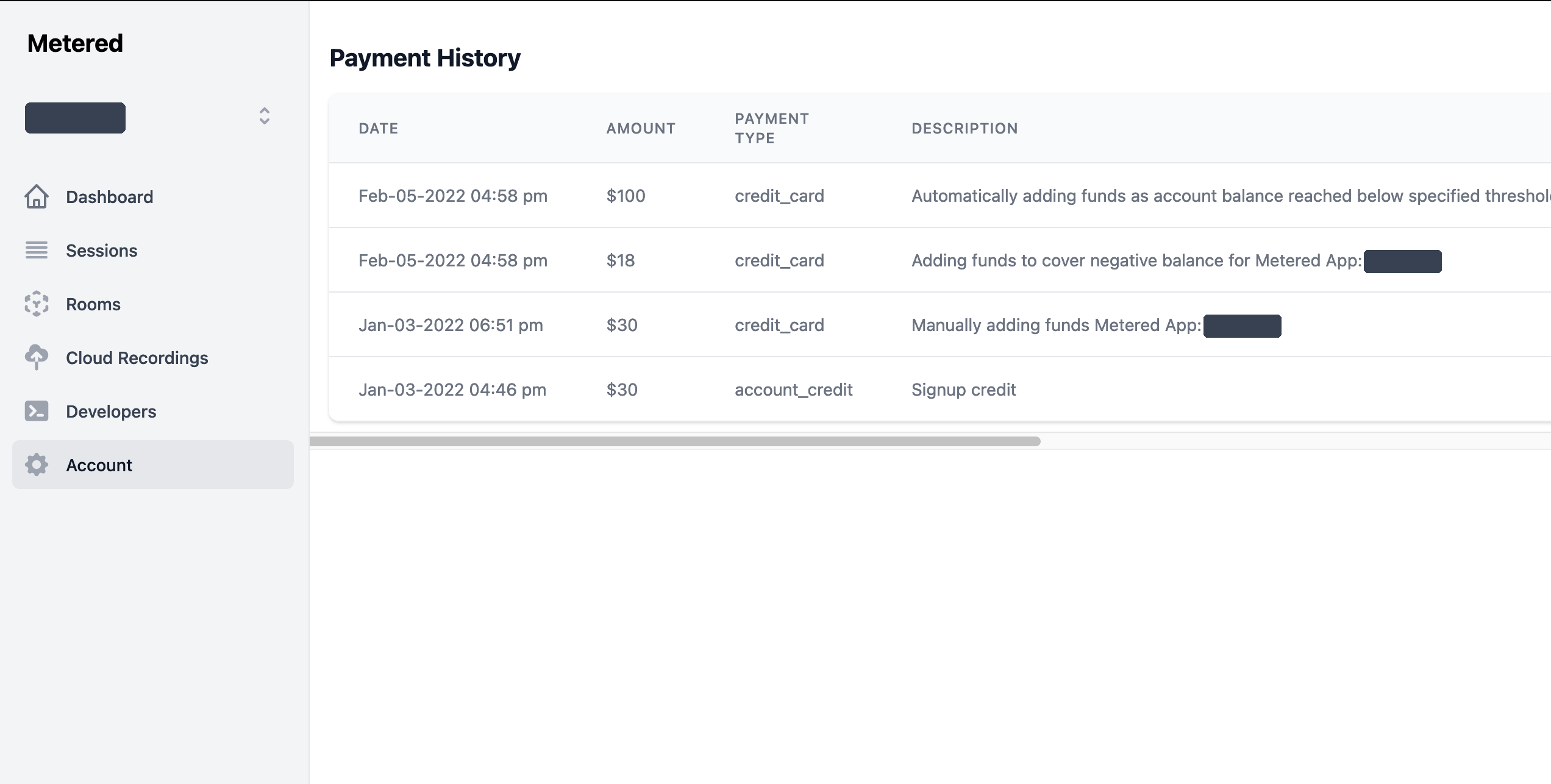
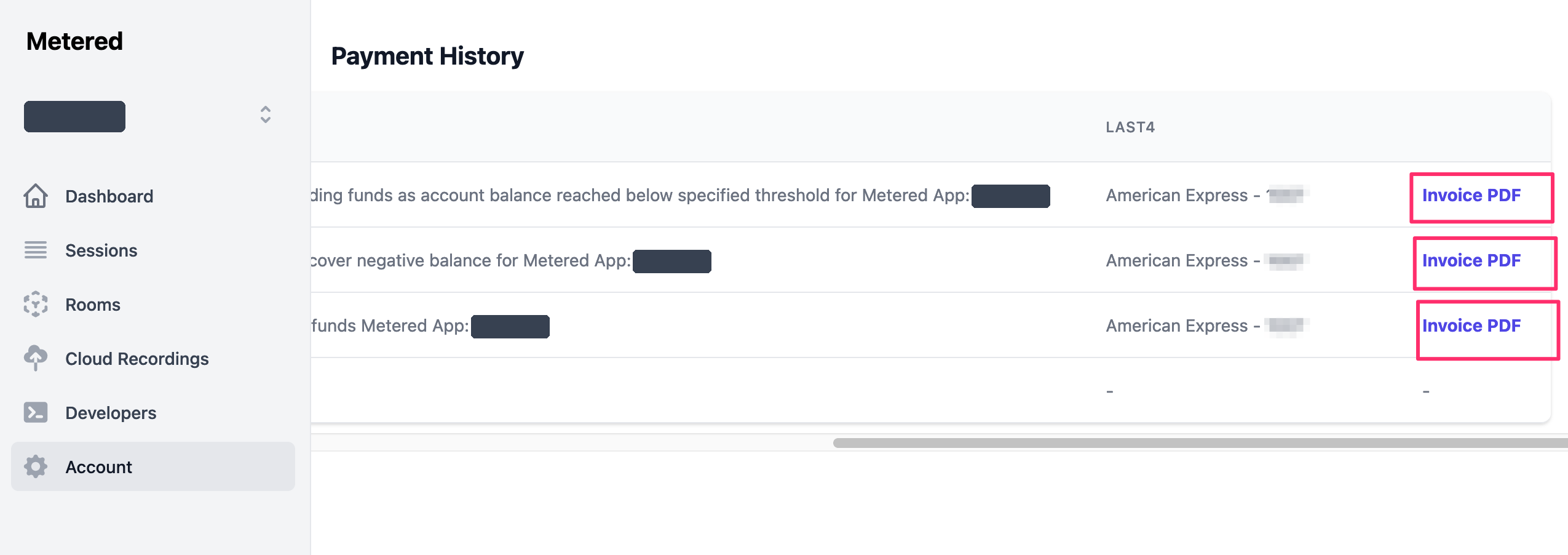
On the payment history and Payment Receipt page you will be able to see your payment history.
- New dashboard
- Classic dashboard
Each row shows the date, amount, payment type, description, card, status and when it was paid. Rows backed by a Stripe invoice carry an Invoice PDF link on the right for downloading the receipt; account credits have none.
Can the left over balance be converted to cash
NO, The Metered Balance cannot be converted back into cash. So, only re- charge the amount you plan on using